
Smart Home Basics: Easy Upgrades for Every Room
Smart home gadgets used to be a hobby for tech fans. Today, they are simple, affordable and genuinely useful — and you do not need to rewire your house to enjoy them. Here are easy smart upgrades for every room, starting with the ones that make the biggest difference.
Start with smart lighting
Smart bulbs are the easiest first step. They screw into your existing light fittings and connect to your Wi-Fi, so you can dim them, change their warmth or switch them off from your phone. Set a schedule so lights come on at dusk and switch off at bedtime, or group the living room lamps together and control them all at once.
Make old appliances smart with plugs
Smart plugs are small adapters that sit between a wall socket and any ordinary appliance — a lamp, a fan, a coffee maker or a heater. Once plugged in, you can switch that appliance on and off from your phone or with a voice assistant, and set timers so it never runs all day by mistake. They are inexpensive and need no installation at all.
A smarter front door
A video doorbell lets you see and speak to whoever is at your door, wherever you are. It is handy for deliveries and for peace of mind when you are away from home. Choose a model that works with your existing doorbell wiring or a battery version if you rent, and make sure it stores video in a way you are comfortable with.
Save energy with a smart thermostat
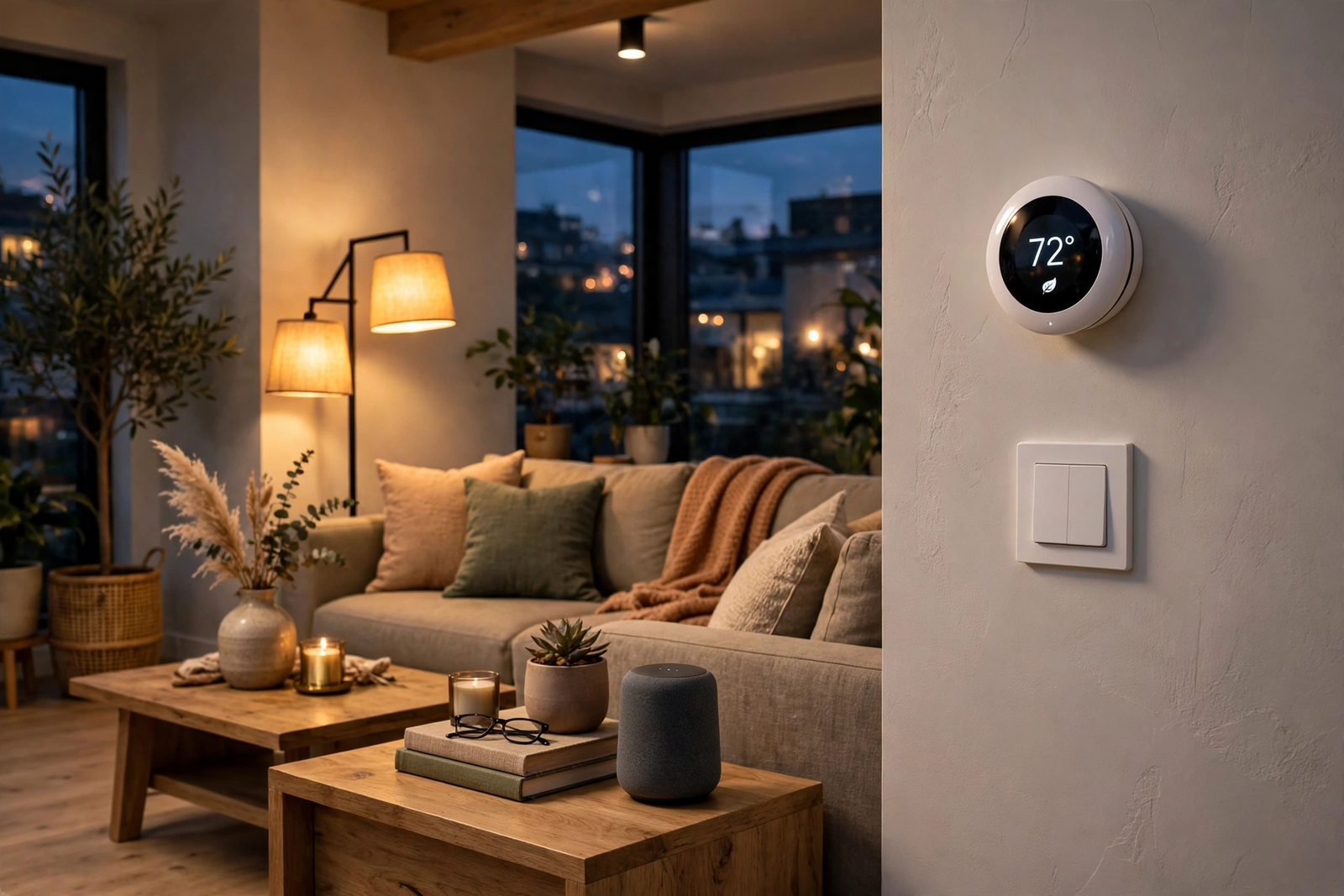
A smart thermostat learns your routine and turns the heating down when nobody is home. You can warm the house up before you arrive and check the temperature from your phone. Over a winter, the savings on heating can be noticeable — and you will never again come home to a cold house or heat an empty one.
Keep it simple and secure
Two rules will save you trouble. First, buy devices that work with the same system — one app or voice assistant for everything is far easier than five different ones. Second, keep your devices safe: use a strong, unique password for your Wi-Fi and for each smart home app, and install software updates when they are offered. Start with one room, see what you actually use, and add more only when you know it helps.